
Move the speakers
Feedback happens when a mic picks up its own sound from a speaker. Keep speakers in front of the mics, pointing away from them. Never put a speaker behind the person speaking.
Use fewer open mics
Every open mic adds to the problem. Mute mics nobody is using.
Cut the ringing frequency
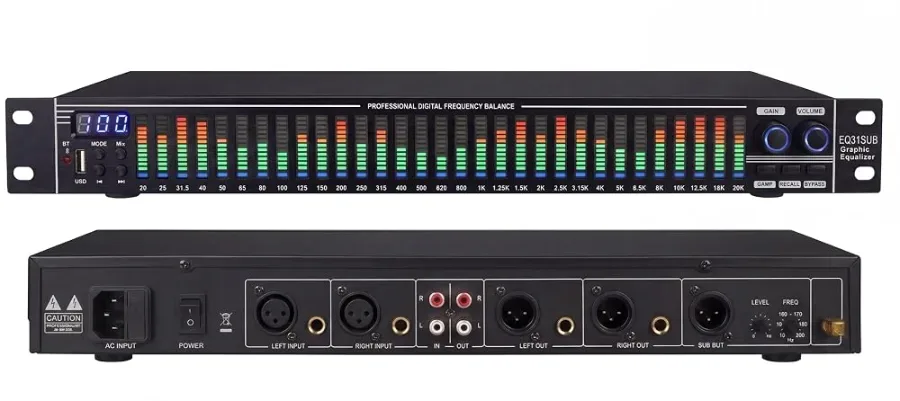
Turn the system up slowly until it starts to ring. On a graphic EQ, pull down the band that is ringing by a few dB. Repeat for the next one. Usually two to four cuts are enough.
Use the high-pass filter
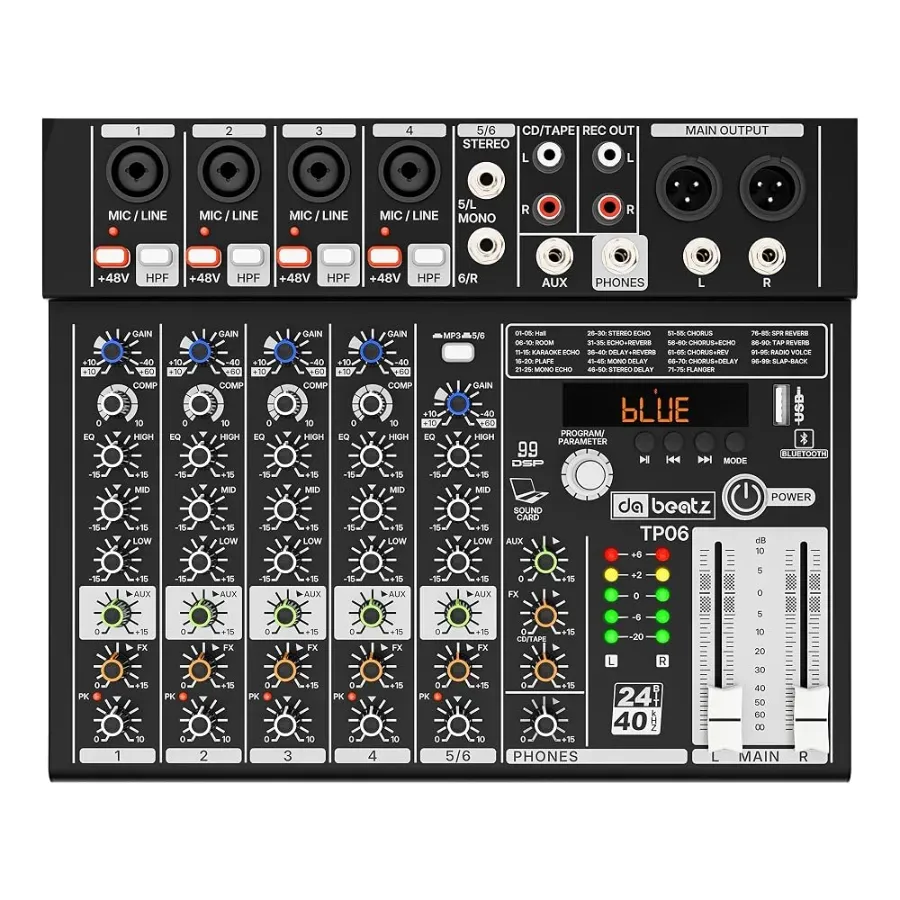
Low rumble from the stage and handling noise feed the problem. Mixers like the TP04 Pro and TP06 Pro have a high-pass filter on each mic channel: switch it on for speech and vocals.
Products in this guide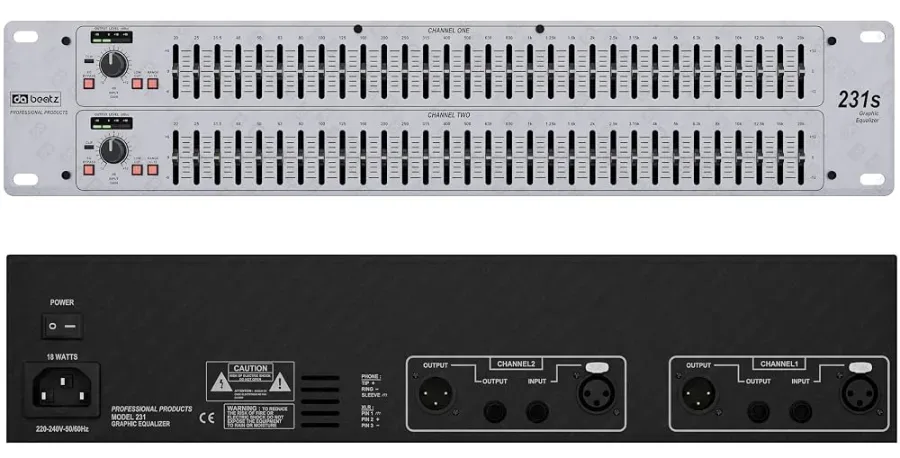
GE-231
31-Band Graphic Equaliser
Two channels of 31 bands for tuning a hall.
31-band EQXLR, TRS, RCA
315SL
31-Band EQ with Bluetooth
31 bands, a live spectrum display and a sub output.
31-band EQXLR, TRS
TP06 Pro
6-Channel Mixer with Compressor
Four mic channels with compressor and low-cut, balanced XLR out.
4 mic/line + 1 stereo+48V99 DSP
MX-06
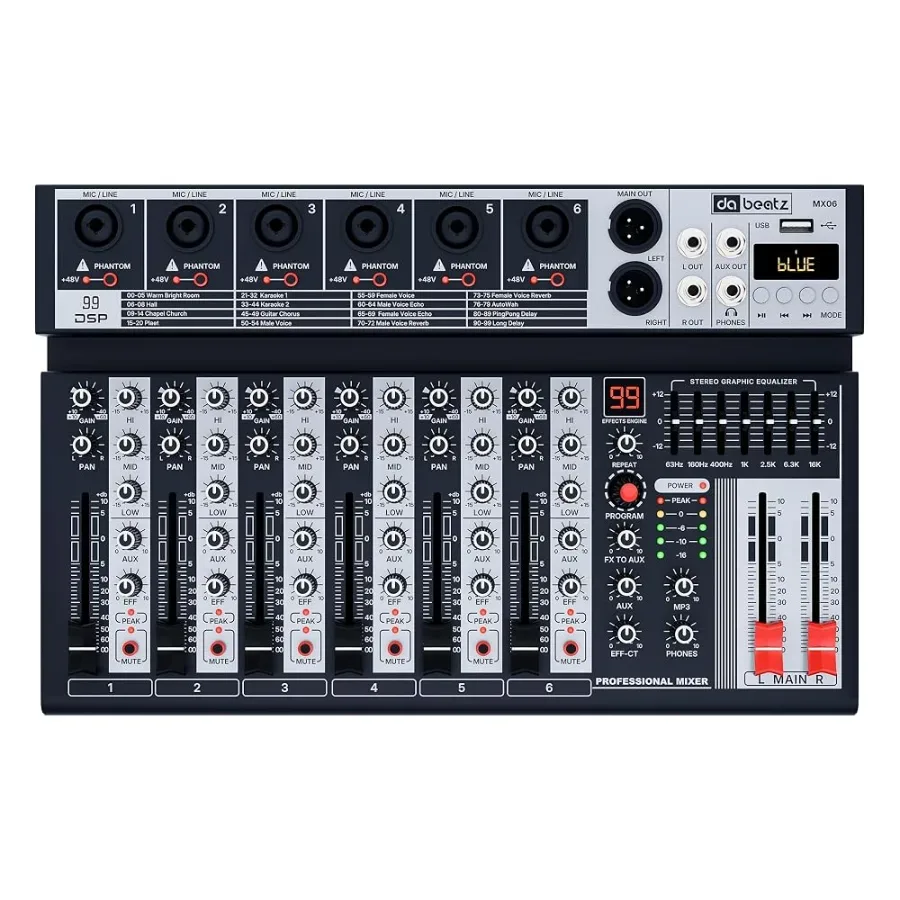
6-Channel Mixer
Six combo inputs, 48V on every channel, 99 effects.
6 mic/line+48V per channel99 DSP